Product Design
Corporate Website
+ WhatsApp Assistant
A corporate services company needed a clearer website and a faster way to handle customer inquiries. I redesigned the website and built a WhatsApp AI assistant that could answer common questions, collect project details, and send qualified leads to the CRM.
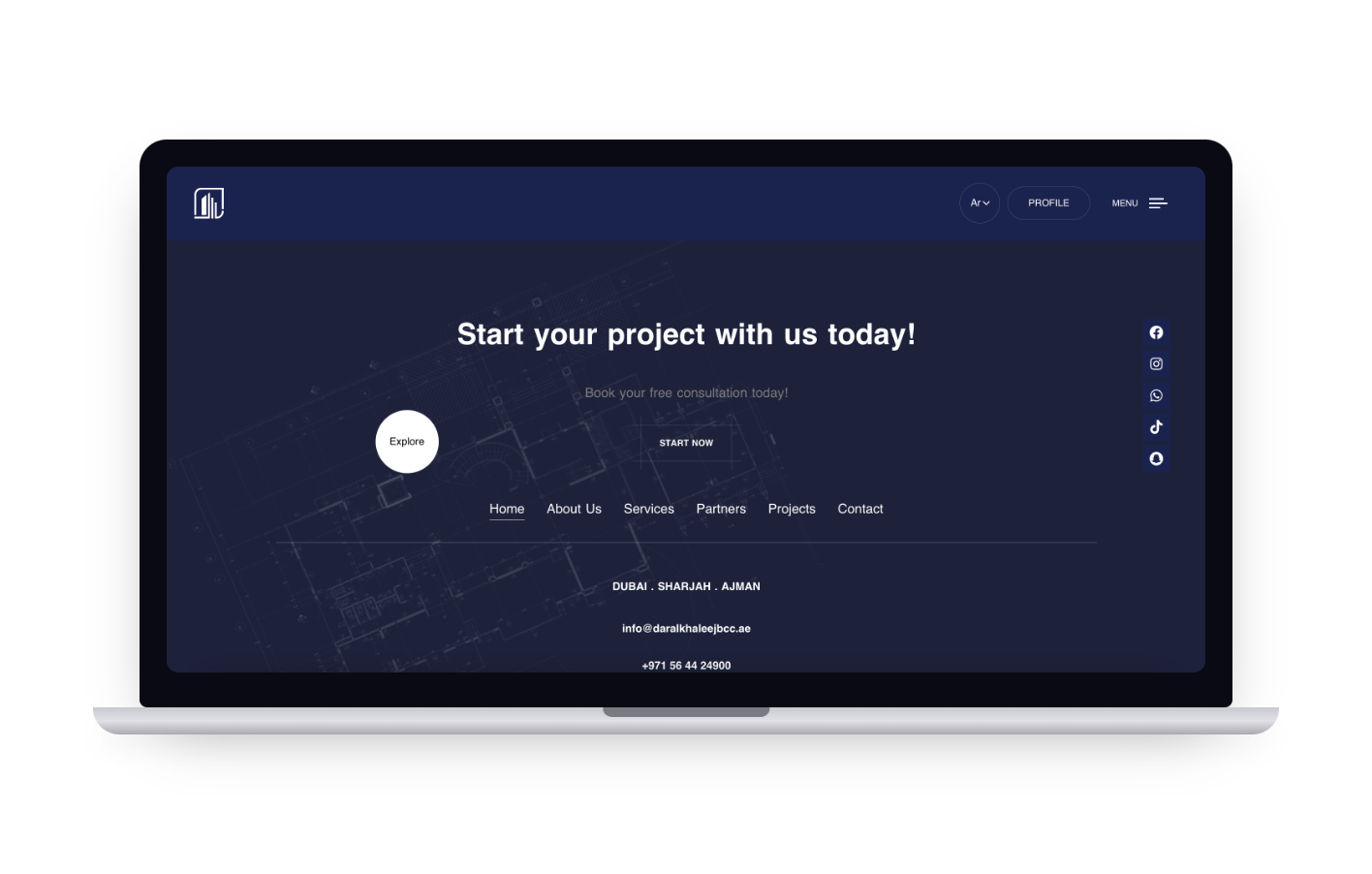
01 · Overview
The problem
The website was difficult to navigate and didn't clearly explain the company's services. When potential customers had questions, they usually had to call or send an email, and the team handled each inquiry manually.
Customers had to wait
Simple questions depended on a manual response, which made it harder for customers to get information quickly.
Leads were handled manually
Project details had to be collected and passed through the existing support process, creating opportunities for delays.
“Make the website easier to understand, and make it easier for customers to get help.”
02 · Discovery
Understanding the existing experience
I looked at the existing website, the customer inquiry path, common questions, lead information, and the manual steps between an inquiry and the sales team.
Before
Unclear web experience
The existing website didn't make it easy to understand the company's services or move toward an inquiry.
Manual support
Customer communication depended heavily on phone calls and emails.
Lead information
Important project details needed to be collected consistently before a lead could be handled by the team.
“How can we help customers find information faster while reducing the manual work required to handle inquiries?”
03 · Defining the experience
Two experiences, one connected journey
Rather than treating the website and WhatsApp assistant as separate products, I designed them as connected parts of the same customer journey.
Clarity
Make services, project information, and next steps easier to understand.
Responsiveness
Give customers a faster way to get answers across desktop and mobile.
Automation
Automate repetitive questions and lead collection while keeping human support available.
04 · Website redesign
Making the website easier to understand
I reorganized the experience around the information a potential client needs before deciding to contact the company.
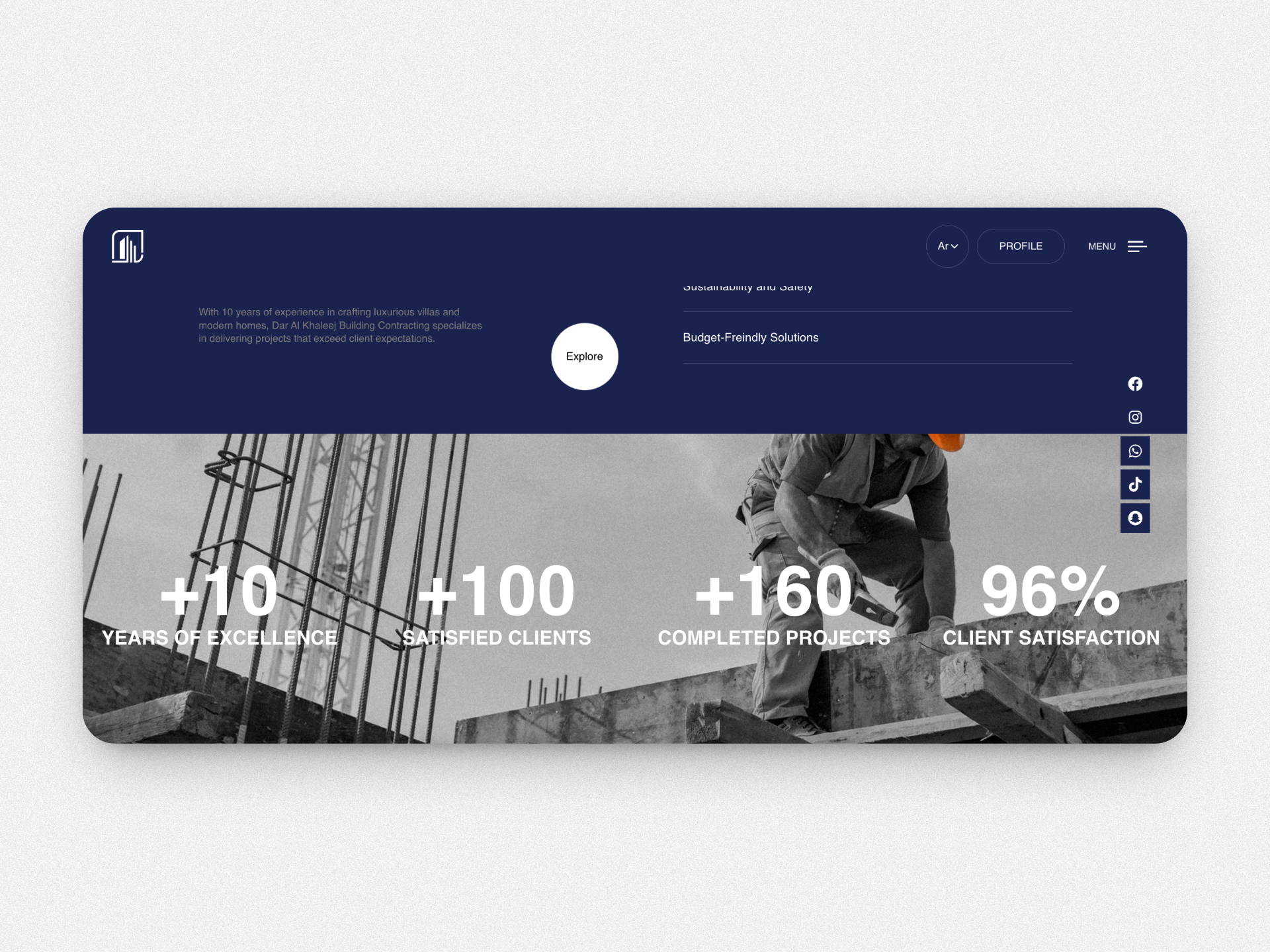
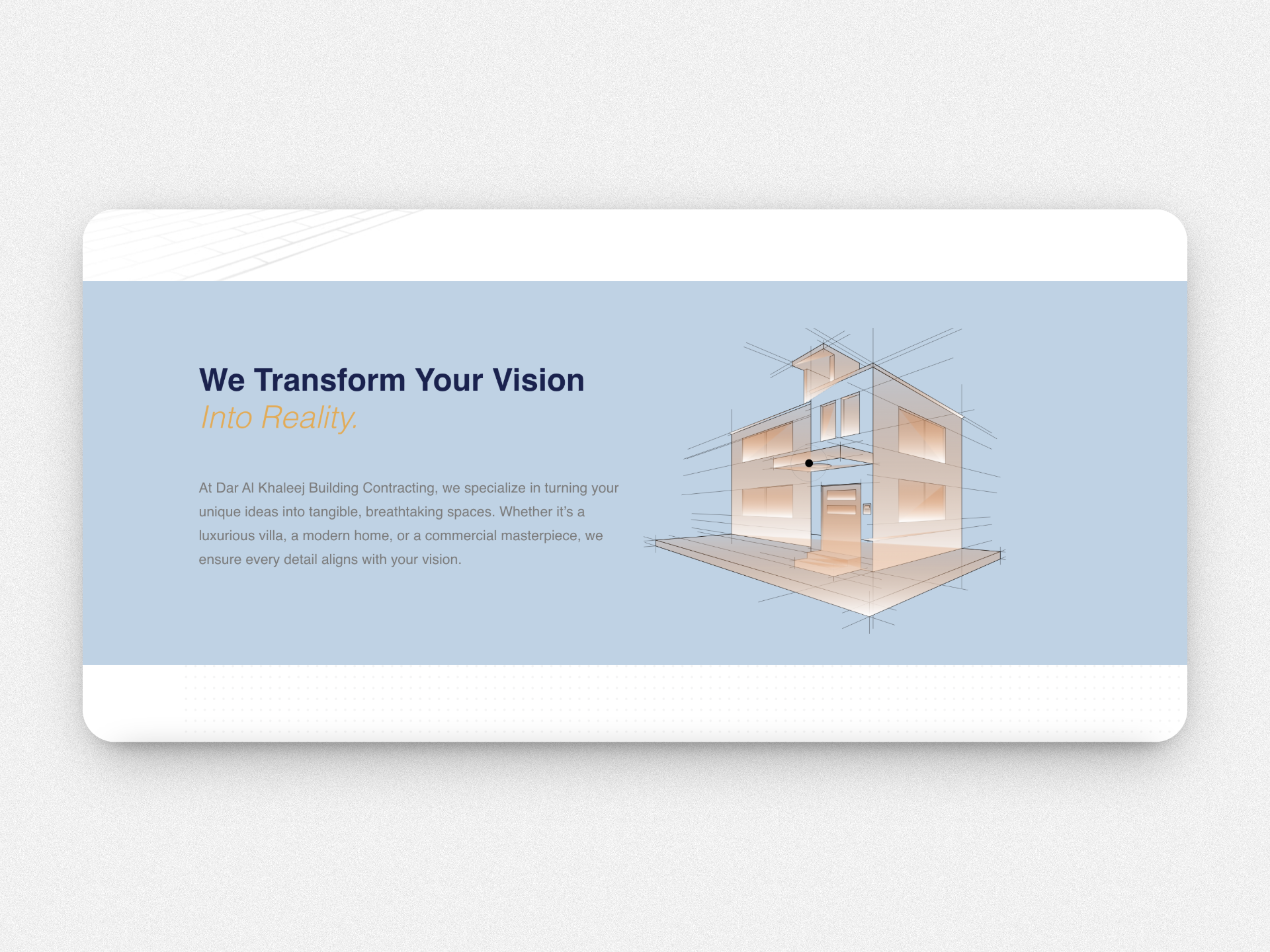
Clearer navigation
Organize content so visitors can quickly understand the company, services, projects, and contact options.
Stronger content hierarchy
Put the most useful information earlier in the journey instead of making users search for it.
Responsive experience
Make the core experience work across desktop and mobile while supporting performance and SEO needs.
05 · WhatsApp assistant
Making customer inquiries easier
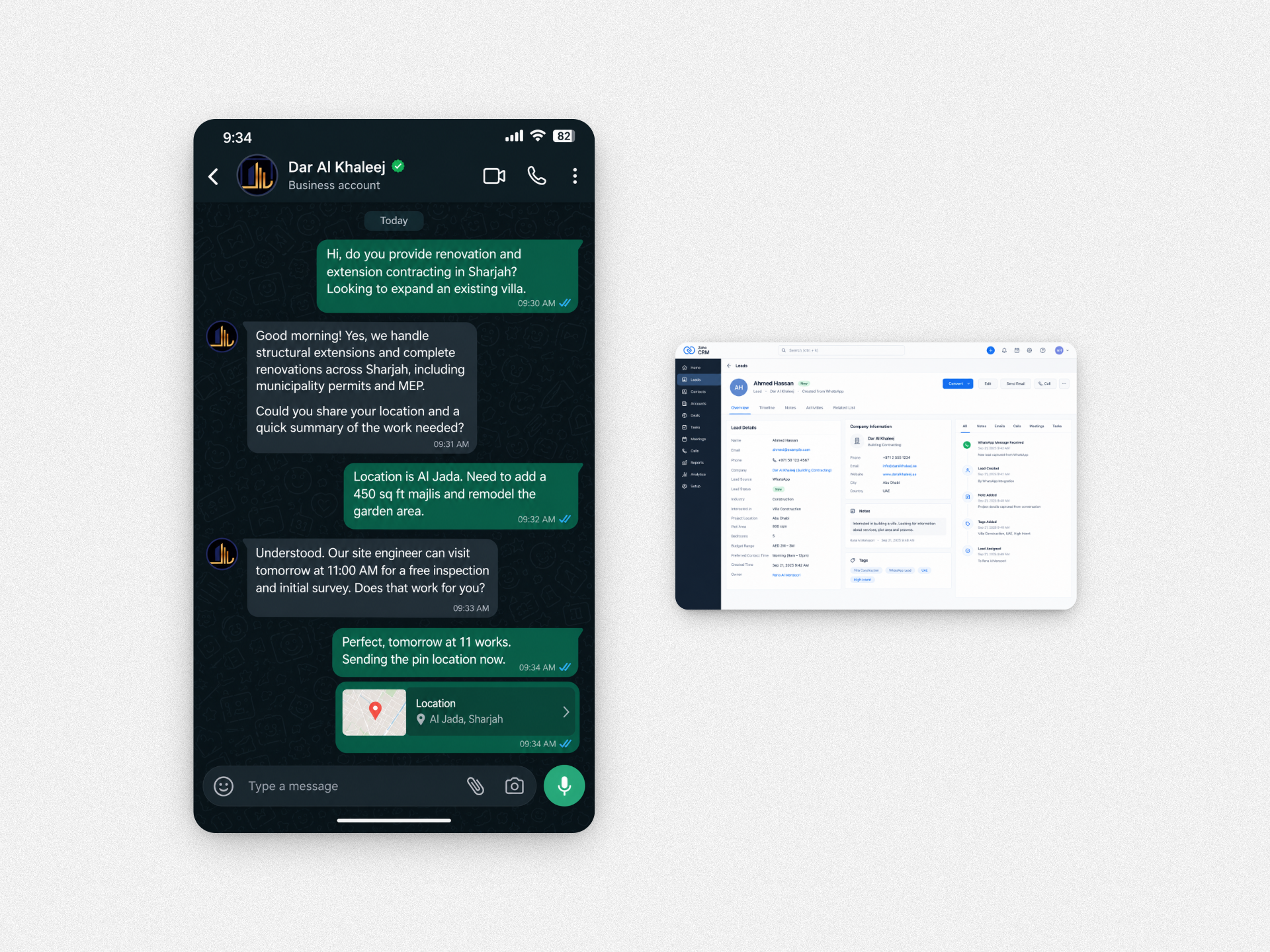
The WhatsApp assistant handles common questions and collects the information needed to understand a potential project.
What is automated?
- Common questions and FAQs
- Initial customer responses
- Lead information capture
- Project details such as location, plot area, and bedroom count
- Appointment scheduling
What stays with people?
- Complex or specialist questions
- Cases that need human intervention
- Follow-up that requires the team's expertise
The experience includes a handoff to a human when automation is not enough.
06 · Connecting the system
What happens behind the screen
The user doesn't need to know how the system works. They just need a clear answer and an easy next step. Behind the scenes, the experience connects WhatsApp, AI, automation, and the CRM.
Technology used: WhatsApp Business API, OpenAI API, webhooks, Zoho CRM, WordPress, Elementor, and PHP.
07 · Impact
What changed
The redesigned website strengthens the company's digital presence, while the WhatsApp assistant creates a faster path from customer question to lead information.
Estimated impact
08 · Next steps
Where I would take it next
Add more languages
Expand the assistant to support more customers across the region and make the experience more accessible.
Automate the next step
Use the information captured by the assistant to trigger more relevant CRM follow-ups based on project type or plot area.
09 · Learnings
What I learned
Good UX isn't only about the interface
The experience continues after a user clicks a button. The website, conversation, automation, and CRM all need to work together.
Automation should remove work
The goal wasn't to make the AI look impressive. It was to make simple customer requests easier to handle while keeping the team in control.
The best automation feels simple
Customers don't need to know what happens behind the scenes. They need the right answer quickly and a clear next step.